
A website redesign is one of the most exciting projects a business can take on — and one of the riskiest for its Google rankings. Redesigns rarely go wrong because the new site looks bad. They go wrong because nobody thought about SEO until after launch, by which point URLs have changed, hard-working pages have been deleted and traffic is quietly sliding away.
The good news is that none of this is inevitable. Handled properly, a website redesign protects the rankings you have already earned — and because a redesign usually improves speed, mobile experience and content quality, it often leaves you ranking better than before. This guide explains how to redesign a website without losing SEO: the preparation that matters, the redirect plan, the technical checks and the mistakes that catch people out. Whether you are managing the project yourself or bringing in website redesign services, the steps below are the difference between a relaunch that grows your traffic and one that starts again from zero.
Signs Your Website Actually Needs a Redesign
A redesign is a significant investment, so it should solve real business problems rather than simply freshen up the colours. These are the symptoms that genuinely justify one:
- Your mobile experience is poor. Google now indexes the mobile version of your site first, so mobile-first design is the standard a rebuild has to meet. Most of your visitors arrive on a phone. If they are pinching to zoom, struggling to tap buttons or waiting for pages to settle, many will simply leave — and Google notices how people behave.
- Pages load slowly. Page speed is not just about patience: Google measures it through Core Web Vitals, and a sluggish site makes everything feel like hard work. Slow templates, bloated page builders and years of bolted-on extras are common culprits that a rebuild can fix properly.
- The design looks dated and it is costing you trust. Visitors judge credibility within seconds. A site that looks a decade old quietly suggests the business behind it is not thriving, however good the service actually is.
- Traffic arrives but enquiries do not. If people visit and leave without calling or filling in a form, the problem is often user experience — layout, navigation and weak calls to action — rather than the offer itself.
- The business has moved on. A rebrand, new services or a new target market can leave your website describing a company that no longer exists.
If two or three of those sound familiar, a redesign is likely worth it. If your only issue is that you fancy a new look, a lighter refresh may do the job for far less risk. When the case for a full rebuild is clear, it is worth doing it properly — our custom web development team plans the SEO migration as part of the build, not as an afterthought.
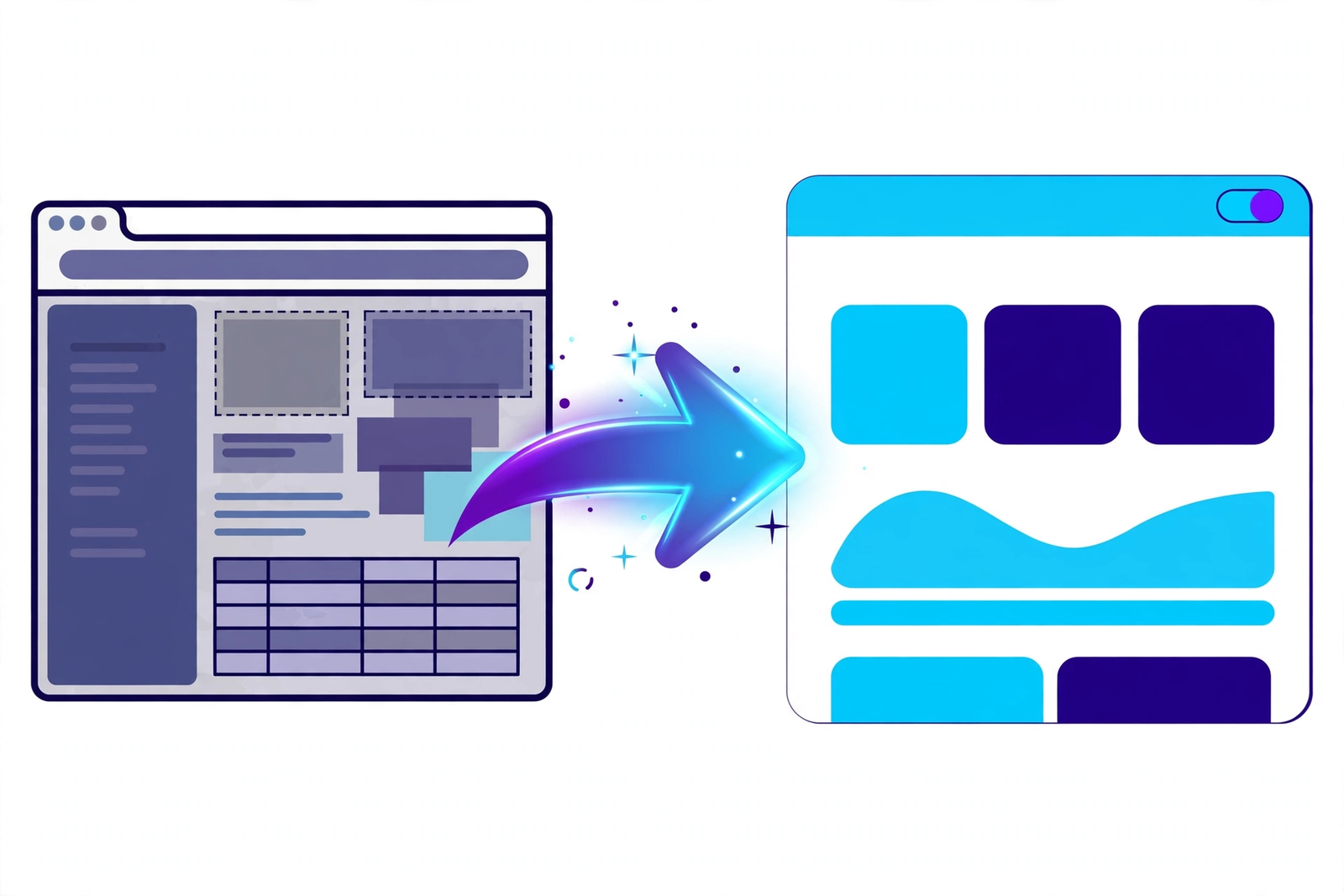
Before You Touch Anything: Benchmark and Back Up
You cannot protect what you have not measured. Before any design work begins, record exactly where you stand:
- Benchmark your current performance. Note your rankings for the keywords that matter, the pages bringing in the most organic traffic, and where your enquiries come from, using Google Search Console and Google Analytics.
- Crawl the entire site. Produce a complete list of every URL that exists today — pages, blog posts, landing pages, everything. A crawling tool such as Screaming Frog makes this quick, and it will also surface any existing crawl errors, broken links and redirect chains worth fixing in the new build. You cannot redirect a page you do not know exists.
- Identify your most valuable pages. Flag the pages that rank, convert or have earned links from other websites. These need the most careful handling during migration.
- Take a full backup. If anything goes wrong at launch, a complete backup of the old site is your safety net.
If you do not have a clear picture of your current rankings and top pages, start with a free SEO audit. It gives you the benchmark you will later use to prove the redesign worked — or to spot quickly if something has slipped.
The URL and Redirect Plan
URLs are where redesigns most often go wrong. Google has indexed your existing pages, other sites link to them, and visitors have them bookmarked. Change the address without a plan and all of that value points at a page that no longer exists.
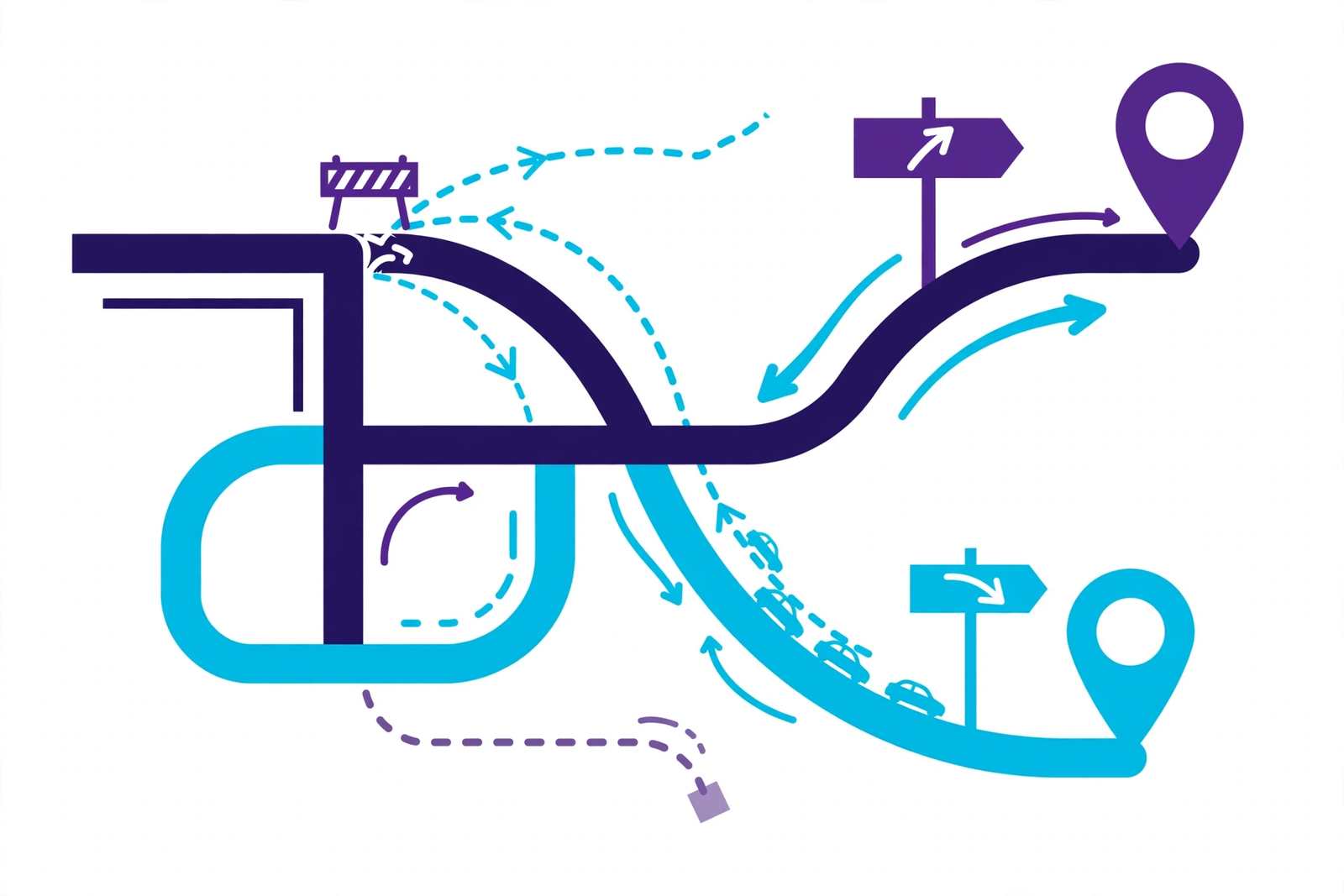
The simplest rule is: keep URLs the same wherever you can. A page that stays at the same address needs no redirect and loses nothing. Where a URL genuinely has to change — because the URL structure and site architecture are being reorganised, for example — every old address belongs in a 301 redirect map, pointing permanently to the closest matching new page.
- Build a redirect map in a spreadsheet: old URL in one column, new URL in the next, one row per page. No guesswork, no bulk rules.
- Redirect each page to its nearest equivalent — the old “web design” page should land on the new web design page, not the homepage. Sending everything to the homepage destroys relevance and Google tends to treat it as a soft error.
- Avoid redirect chains, where one redirect leads to another. Point every old URL directly at its final destination, and update your internal linking to match.
Content Migration Rules
Redesigns tempt people to have a clear-out. That instinct is fine for genuinely dead content, but dangerous when applied to pages that are quietly performing.
- Do not delete ranking pages casually. A page sitting on page one or two of Google is an asset, even if nobody in the office likes how it looks. Rewrite it, redesign it, fold it into a better page with a redirect — but do not bin it without checking its traffic first.
- Preserve search intent. If a page ranks for a particular query, the new version must answer that query at least as well. Changing a detailed guide into a thin sales page because it “looks cleaner” is a reliable way to lose the ranking.
- Carry over headings and metadata deliberately. Title tags, meta descriptions and heading structure should move across, or be improved on purpose — never lost by accident because the new template handles them differently.
- Mind the details. Image filenames and alt text, downloadable files and internal links all contribute. A careful migration checks them rather than assuming they copied across.
Technical Checks That Protect Your Rankings
The design is the visible part of a redesign; the technical setup decides whether Google can still find and trust the site afterwards. The checks that matter most:
- Keep the staging site hidden. Your development copy should be password-protected or set to noindex, so a half-finished duplicate never gets indexed alongside the real site.
- Check robots.txt at launch. Development sites are usually blocked from search engines — correctly. The classic disaster is that block being carried across to the live site, quietly telling Google to ignore everything.
- Refresh your XML sitemap. Generate a sitemap containing only the new, live URLs and submit it in Google Search Console so Google finds the new structure quickly — then check the indexation reports to confirm every important page has been picked up.
- Fix internal links. Menus, footer links and links within your content should point straight at the new URLs, not rely on redirects to get there.
- Carry over structured data. Organisation, local business and other schema markup should be migrated and validated, not dropped because the new theme does not add it automatically.
- Reconnect your measurement. Analytics and conversion tracking need to be in place from the moment the site launches — otherwise you will be diagnosing problems with no data.
These are the same fundamentals covered by a proper technical SEO review, and they are much cheaper to get right before launch than to repair afterwards.
Launch Checklist and the First 30 Days
On launch day, work through the essentials in order: deploy the redirect map and test a sample of old URLs by hand; confirm the site is crawlable and the development blocks are gone; submit the new sitemap; test every form, phone number and call to action on mobile and desktop; and crawl the new site to catch broken links and missing pages.
Then watch closely for the first month. Check Search Console’s coverage and page indexing reports for errors and unexpected exclusions. Keep an eye on your benchmark keywords — small fluctuations in the first couple of weeks are normal as Google recrawls and reassesses the site. Watch your analytics for 404 errors, which usually mean a missed redirect, and fix them as they appear. Recheck page speed on the live site, not the staging one, because real hosting and real content can behave differently.
Give that monitoring a structure rather than leaving it to chance. Once a week for the first month, work through the same short routine: check the page indexation report in Google Search Console for newly excluded or erroring URLs; review any crawl errors your monitoring flags up; compare organic traffic in Google Analytics against your pre-launch benchmark, page by page for your most valuable pages; and re-run a Screaming Frog crawl to confirm your internal linking still points at final URLs and that no redirect chains or orphaned pages slipped through. Keep an eye on Core Web Vitals too — page speed often shifts once real content, real plugins and real traffic hit the new site, and a regression there can quietly drag on your search visibility. Record your keyword positions alongside each check. That way, if rankings move, you can see exactly when it happened and what changed at the same time, which turns ranking recovery from guesswork into a methodical process: find the cause, correct it, and verify the recovery in the next crawl.
A dip that keeps worsening after two or three weeks is rarely bad luck — it almost always traces back to something fixable, such as a missing redirect, a blocked section or a deleted page. Ongoing website maintenance keeps that monitoring in place long after the launch excitement fades.
Common Redesign Mistakes That Tank Rankings
- Changing every URL with no redirect map — the single most destructive mistake, and entirely avoidable.
- Deleting “old” pages that were quietly ranking because nobody checked their traffic first.
- Launching with the site blocked by a robots.txt file copied over from the staging environment.
- Changing everything at once — new domain, new URLs, new content, new structure — leaving no way to tell which change caused a drop.
- Losing metadata in the new template, so pages go live with missing or duplicated title tags.
- Going silent after launch instead of monitoring Search Console and rankings while problems are still small.
Frequently Asked Questions
Will a redesign definitely drop my rankings?
No. A redesign planned with SEO in mind — URLs preserved or properly redirected, content migrated carefully, technical checks done — should hold your rankings, and small short-term fluctuations are normal. Serious drops almost always come from avoidable mistakes, not from redesigning itself.
How long does recovery take if my rankings dip?
Minor fluctuations usually settle within a few weeks as Google recrawls the site. If the dip was caused by a fixable problem such as missing redirects, ranking recovery usually follows in the weeks after the fix, once those pages are recrawled. Deep structural damage can take longer, which is why prevention beats repair.
Should I change my domain name at the same time?
We would strongly advise against it. A domain change is a major SEO event on its own. Combining it with a redesign means twice the risk and no clean way to diagnose problems. Do one first, let things settle, then the other.
When should I involve an SEO specialist?
Before the design is finalised — ideally at the planning stage, when URL structure and content decisions are being made. An SEO specialist brought in after launch can only repair damage; one involved from the start prevents it.
Can a redesign actually improve my rankings?
Yes. Faster pages, a better mobile experience, cleaner site structure and refreshed content are all things Google rewards. Many businesses come out of a well-managed redesign ranking better than they went in.
Planning a Redesign? Let’s Protect Your Rankings
If your website needs a redesign but your Google traffic pays the bills, the two do not have to be in conflict. We plan every rebuild with the migration built in — benchmarked first, redirected properly, and monitored after launch. Message us on WhatsApp or call us on +44 7435 738263 and tell us what you are planning. We will give you straight, honest advice on how to redesign without giving up the rankings you have worked for.
Our Dubai number is +971 52 2511692.