

If you are planning a mobile app for your UK business, one question usually comes before everything else: in the iOS vs Android app development debate, which platform should you build for first? It is a decision that shapes your budget, your timeline, your audience and even your app’s design — and getting it wrong can mean months of extra work or an app that launches to the wrong users.
The honest answer is that there is no universal winner. Apple and Google run very different ecosystems, their users behave differently, and the right first platform depends on who your customers are, what your app does, and how quickly you need to launch. This guide walks through the real differences — audience, development, approval, monetisation and long-term maintenance — and ends with a simple decision framework you can apply to your own business.
iOS vs Android app development: the key differences at a glance
At the highest level, iOS development means building for Apple devices — iPhones and iPads — using Swift (or, for older codebases, Objective-C) and Apple’s Xcode tools. Android development means building for the much wider world of Android devices — Samsung, Google Pixel, OnePlus and dozens of other manufacturers — typically using Kotlin (or Java) and Android Studio.
That device range explains most practical differences:
| Factor | iOS | Android |
|---|---|---|
| Devices | A small, controlled range of iPhones and iPads | Thousands of models, screen sizes and hardware levels |
| Main language | Swift, in Xcode | Kotlin, in Android Studio |
| Store | Apple App Store, with human review | Google Play, largely automated review |
| Typical approval time | Usually a few days, sometimes longer after a rejection | Often hours to a couple of days |
| Testing burden | Lower — fewer devices and OS versions to cover | Higher — fragmentation means more testing |
| Monetisation strength | Strong for paid apps and subscriptions | Strong for advertising and large audiences |
Neither column is “better” in isolation — the question is which trade-offs fit your business.
Know your audience first: who uses what in the UK?
Globally, Android holds the larger share of the smartphone market by a wide margin, because it powers devices at every price point across the world. In the UK, however, the picture is much more balanced: iPhones hold a very large share of the UK market, particularly among higher-income users and in professional and urban audiences. For many UK consumer businesses, iOS users are close to half the audience — far too many to ignore.
That is why audience research should come before any technical decision. Ask yourself:
- Who are your customers? If your existing customers skew towards premium devices, iOS first makes sense. If they span all budgets, Android’s reach matters more.
- Where do they find you today? Your website analytics and any existing app data show the device split of people already engaging with your business — a far better guide than global statistics.
- How will they pay? If your model relies on subscriptions or in-app purchases, iOS users historically spend more per user. If it relies on advertising reach, Android’s larger global audience is an advantage.
- Is your app for staff or customers? Internal business apps often target whatever devices the workforce already carries, which may settle the question immediately.
A good iOS app development company offering iOS app development services will start with these questions, not with a technology preference.
Development differences: speed, complexity and maintenance
Building for iOS is often slightly faster for a first release, for one simple reason: fewer devices. Apple’s controlled hardware range and high adoption of the latest iOS versions mean developers test against a manageable set of screen sizes and operating system versions. Designs can be pixel-precise, and edge cases are fewer.
Android development carries the well-known challenge of fragmentation. Your app must work on flagship phones and budget handsets, on large tablets and small screens, and on several versions of Android still in active use. That does not make Android development bad — it makes testing more important and slightly longer. Experienced Android app developers build a device-testing matrix early and design layouts that adapt gracefully rather than assuming one screen size.
Maintenance differs too. iOS users update quickly, so supporting older versions is rarely a long burden. Android’s slower update cycle means older versions may need support for longer, especially for budget devices. Android’s openness, however, gives developers more freedom: deeper system integration and distribution options beyond Google Play.
Talk through your feature list with a developer before committing: features like real-time chat, payments, maps and offline mode move the timeline far more than the platform choice itself. If you would like to discuss your project, message us on WhatsApp and we will give you a clear, honest answer for your specific situation.
App Store vs Google Play: approval, rules and discoverability
Getting into the stores is part of the product, not an afterthought. Apple’s App Store review is famously strict: human reviewers check your app against detailed guidelines covering privacy, payments, content and design quality. Rejections happen, even to good apps, and fixing one can add days to your launch. The upside is a store users trust, with strong curation and a high-quality bar that benefits serious apps.
Google Play review is faster and more automated, so Android apps typically reach users sooner after submission. Google’s policies are still enforced — particularly around privacy, data use and payments — but the process is usually lighter-touch. For businesses that need to move fast or iterate weekly, that speed is a genuine advantage.
Discoverability works similarly in both stores: your title, keywords, screenshots and reviews drive visibility, much as on-page optimisation drives web search. Whichever store you launch in first, plan your store listing as carefully as your app itself — screenshots showing real benefits, a description written for humans, and a ratings strategy from day one.
Making money: how iOS and Android monetisation compare
Your revenue model should weigh heavily in the platform decision. As a broad pattern, iOS users convert to paid downloads and subscriptions at higher rates, which suits premium apps, subscription services and businesses selling directly through the app. Android’s strength is scale: a larger audience, particularly outside the UK and US, which suits advertising-supported models and apps whose value grows with user numbers.
Both platforms take a commission on in-app purchases and subscriptions, with reduced rates for smaller businesses and for long-running subscriptions under each store’s programme. If you sell physical goods or services consumed outside the app — a booking, a delivery, a consultation — you generally use your own payment provider rather than the store’s system, which changes the maths entirely. This is another reason the “which platform first” question cannot be answered without knowing how your app earns money.
Whatever the model, Android app development and iOS development both demand the same commercial discipline: know your unit economics before you build, and design the app around the action that actually generates value, not around features that look impressive in a demo.
The cross-platform option: Flutter and when it makes sense
There is a third path that many UK businesses now choose: build once and deploy to both platforms with a cross-platform framework, most commonly Flutter, Google’s toolkit for building natively compiled apps from a single codebase. A Flutter app development company can cut the time and effort of launching on both stores significantly, because most of the code, design and business logic is shared.
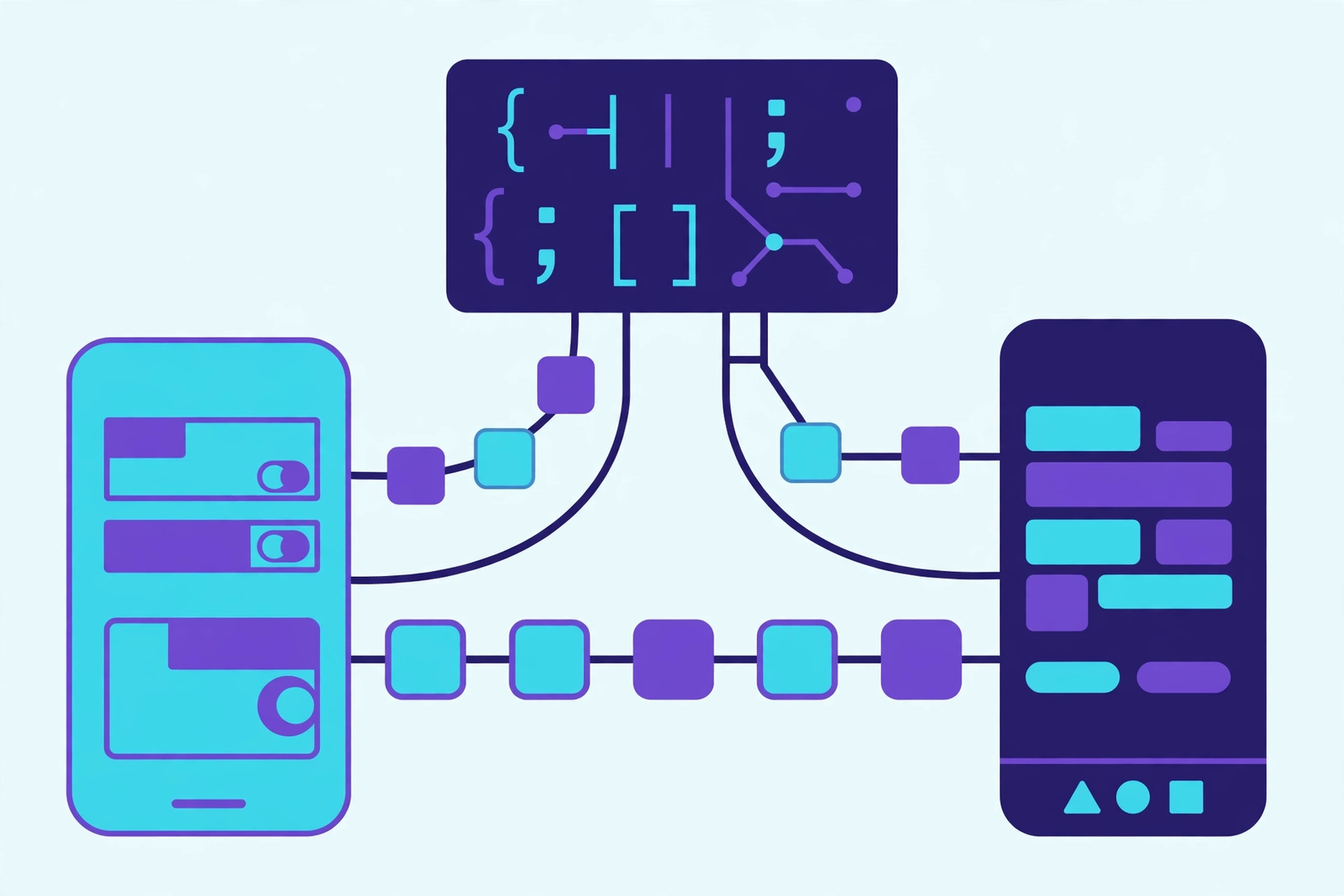
Cross-platform is at its best when your app is content-driven, form-driven or service-based — booking apps, directories, customer portals, ecommerce apps and internal tools. It is less suited to apps that lean heavily on platform-specific hardware features, cutting-edge AR, or deeply custom native interfaces, where native development still wins on polish and performance.
The trade-off: cross-platform saves time and keeps both audiences in play from day one, but you accept a small compromise on platform-specific finesse. Native development gives maximum polish per platform, at the effort of building — and maintaining — twice. For a first version aimed at proving demand, cross-platform is often the smartest route.
Which should UK businesses choose first? A decision framework
Use this framework to settle the question for your business:
- Choose iOS first if: your UK customers skew premium, your revenue comes from subscriptions or paid features, you want the fastest polished first release, or your audience data shows iPhone dominance.
- Choose Android first if: your audience spans all budgets, you need maximum reach (especially internationally), your model is advertising-led, or your users are predominantly on Android devices today.
- Choose cross-platform (Flutter) first if: you need both stores at launch, your budget only stretches to one build, your app is service- or content-based, or you want to test demand on both platforms before investing in native versions.
- Choose native on both, in sequence, if: your app is performance-critical, hardware-heavy, or expected to scale to very large user numbers where per-platform optimisation pays for itself.
Whatever you choose, plan the second platform from the start. Shared design systems, a well-structured backend and clean APIs mean the second build is far cheaper than the first.
Common mistakes to avoid in iOS vs Android app development
- Copying the design across platforms. iOS and Android users expect different navigation patterns, gestures and interface conventions. An app that feels like an iPhone app on Android (or vice versa) feels wrong to its users.
- Skipping the testing matrix. On Android especially, testing on two flagship phones is not testing. Budget devices, older OS versions and unusual screen sizes are where real users live.
- Leaving store approval to launch week. Apple review, privacy disclosures and payment setup should be planned weeks ahead, not discovered the day before launch.
- Building every feature for version one. The most successful first releases are focused: one core job, done brilliantly, with a roadmap for the rest. Scope discipline beats feature count.
- Ignoring analytics from day one. Without usage data, you cannot tell whether your platform choice is working or which features deserve the next investment.
- Treating launch as the finish line. Apps need ongoing updates for new OS versions, store policy changes, security fixes and user feedback. Budget for maintenance, not just the build.
Start with your customers, not with a platform
The iOS vs Android question tempts businesses into a technology debate, but it is really a customer debate. Look at who your customers are, how they will use the app, and how the app will earn its keep — then let those answers pick the platform. For many UK businesses, that means iOS first, cross-platform for both stores at once, or Android first for maximum reach. All three are defensible; what is not defensible is choosing on a hunch and discovering six months later that your users were on the other platform all along.
If you are weighing up iOS, Android or Flutter for your business, talk to a team that builds on all three and will recommend the option that fits your audience rather than their preference. Message us on WhatsApp, call us on +44 7435 738263, or email info@wappexsol.com for a no-obligation chat — and if you would like to talk about budgets, message us on WhatsApp and we will give you a clear, honest quote for your specific situation.
iOS vs Android app development — frequently asked questions
Should UK businesses build for iOS or Android first?
It depends on your audience. If your UK customers skew towards premium devices and subscription revenue, iOS first is often the stronger choice. If you need maximum reach across all budgets, or your users are mostly on Android, start there. Cross-platform development with Flutter lets you launch on both stores from a single codebase.
Is it cheaper to build an iOS app or an Android app?
There is no fixed answer, because features matter far more than the platform. iOS builds are often slightly quicker because there are fewer devices to test, while Android testing takes longer due to device fragmentation. For a tailored answer for your project, message us on WhatsApp and we will discuss your specific requirements.
What is Flutter, and should I use it instead of native development?
Flutter is Google’s cross-platform framework for building apps for iOS and Android from one codebase. It suits content-driven, service-based and ecommerce apps, and it can significantly reduce the time to launch on both stores. Native development still wins for performance-critical apps or those using cutting-edge platform features.
How long does Apple App Store approval take?
Most apps are reviewed within a few days, but a rejection — for example over privacy disclosures, payment rules or guideline compliance — can add further days while fixes are made and resubmitted. Planning approval into your launch timeline, rather than leaving it to the last week, avoids most delays.
Can I launch on one platform and add the other later?
Yes, and many businesses do exactly that. The key is to design the first version with the second in mind: a shared backend, clean APIs and a portable design system make the second build much faster and cheaper than starting from scratch.